

Your business, easier to manage.
We build custom web applications for your team and customers. Customers, orders or bookings in one place, without chasing information through spreadsheets and emails.
Tell us what you need to solve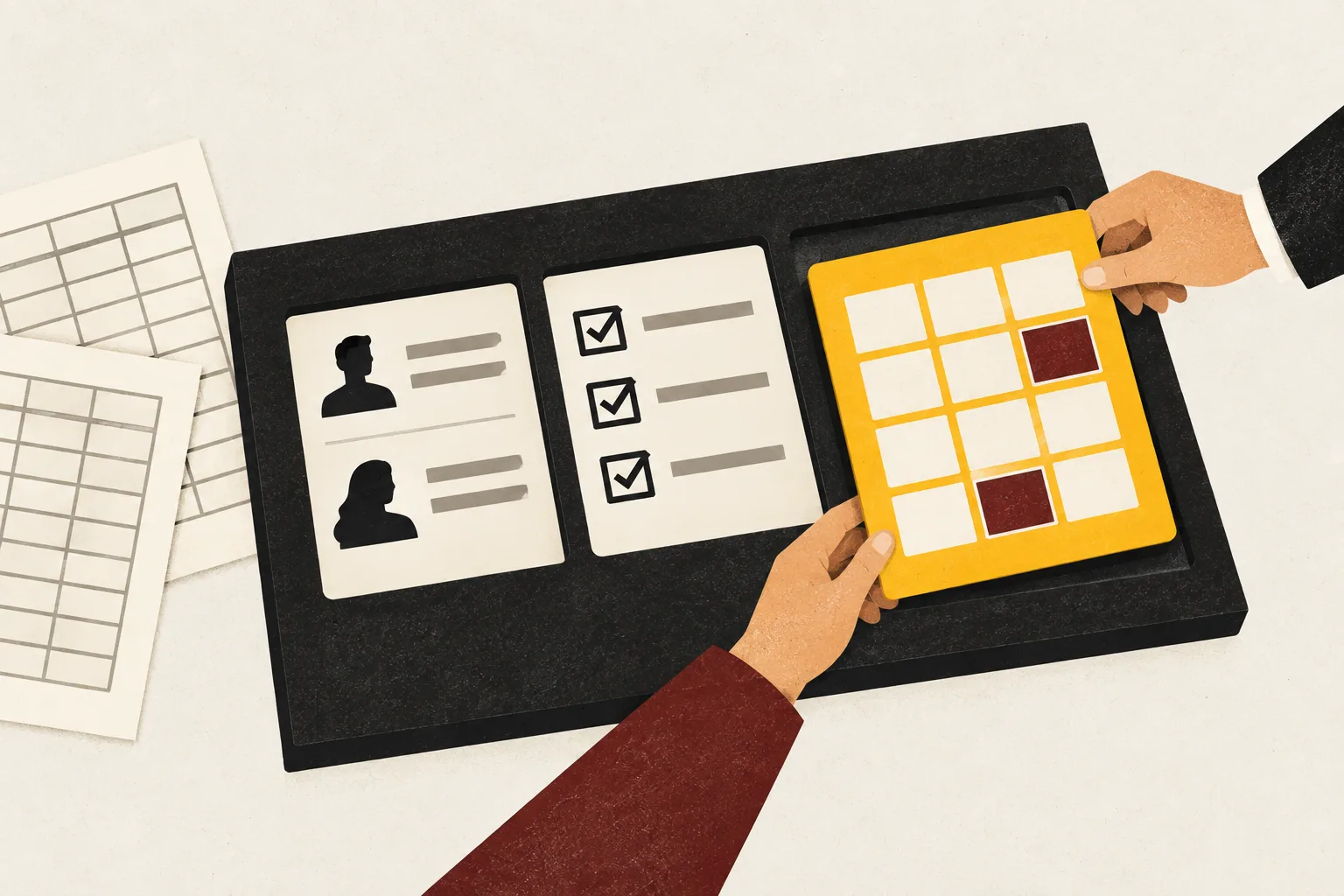
When your tools fall short, the whole business feels it.
“We have a spreadsheet for everything, and keeping them all up to date is hard.”

Up-to-date information, all in one place.
Bring customers, orders or bookings into one application, without correcting the same information in several files. Your team views and updates the information relevant to them. A dashboard shows you what’s happening without having to gather spreadsheets every time.
Business applications and dashboards
“We have to ask around to find out what’s pending and who’s handling it.”
Every task has a status and an owner.
Organise tasks, requests or issues so everyone knows what to do. Anyone picking up a task can see what has been done and what remains, without piecing it together from emails and conversations.
Internal tools for your team
“Our customers have to email us to find out how things are progressing.”
Your customers can check progress and move things forward themselves.
A private portal lets them check status, upload documents or approve a request. Each customer accesses their own information and can take the next step without waiting for an email reply.
Customer portals and private areas
Custom-built when it makes sense.
A tool’s limitations don’t necessarily mean building a new one from scratch. First, we look at what you need to solve and which options fit.
Use what’s already available.
If an existing product covers your needs, we help you choose and configure it. For example, a booking system that already fits your business.
Connect your tools.
If they work well separately but you copy data between them, connecting them may be enough. For example, sending a sale to invoicing without entering it again.
AutomationBuild your own application.
When you need workflows, permissions or features that existing options don’t cover well. For example, a portal where customers can view and approve orders.
Example workflow
Every request in its place.
- Received
New enquiry
- In progress
Owner assigned
- Resolved
Customer notified
Information and progress shared with your team.
Start by solving what holds you back most.
You don’t need every feature on day one. We agree on a first version that your team or customers can use to complete a real task from start to finish.
For example: receive a request, assign it to someone and communicate the outcome, with the access and information needed to do so.
Once you’re using it, we’re still here.
We help you get started and agree on maintenance. New features are added as needs emerge, with a defined scope and budget.
We work from Andorra, including remotely with businesses in other countries.
What’s making your day-to-day work harder?
Tell us what you’re trying to solve and how you handle it today. You don’t need a list of features: we’ll help define what the tool should do.
Let’s talk about your applicationFrequently asked questions
How do we work out the application’s cost and timeline?
Tell us what you need to solve, who will use the application and which tools you currently work with. We use that information to define a first version and the connections or data it needs. The proposal sets out what’s included, the budget, the planned schedule and ongoing hosting, licence or maintenance costs. New features are quoted separately.
Can we start with a simple version?
Yes. For example, a portal can start with customer access and document viewing, then add requests or payments later. The first version must let people complete a real task; we agree what’s included and what isn’t before development.
What’s the difference between a website and a web application?
A website presents your business and helps generate enquiries or sales. A web application lets people perform tasks: view private data, update an order, make a booking or approve a request. It runs in a browser and can be part of your website or have its own access point.
Can it connect to the tools we already use?
Yes, where those tools allow the necessary data to be exchanged. We check connection options and limitations before including them in the quote. If you only need your tools to exchange information or run tasks, automation may be enough.
Can we use our existing spreadsheet data?
Yes. We review a sample to check its structure, missing fields and possible duplicates. Any necessary import and cleanup is explicitly included in the scope. We agree which information to move and check the result before you stop using the previous system.
Who maintains the application after launch?
We can handle maintenance and the improvements you need. Before launch, we document hosting, backups, the agreed support and its costs. New features are quoted separately; they are not automatically included in maintenance.